
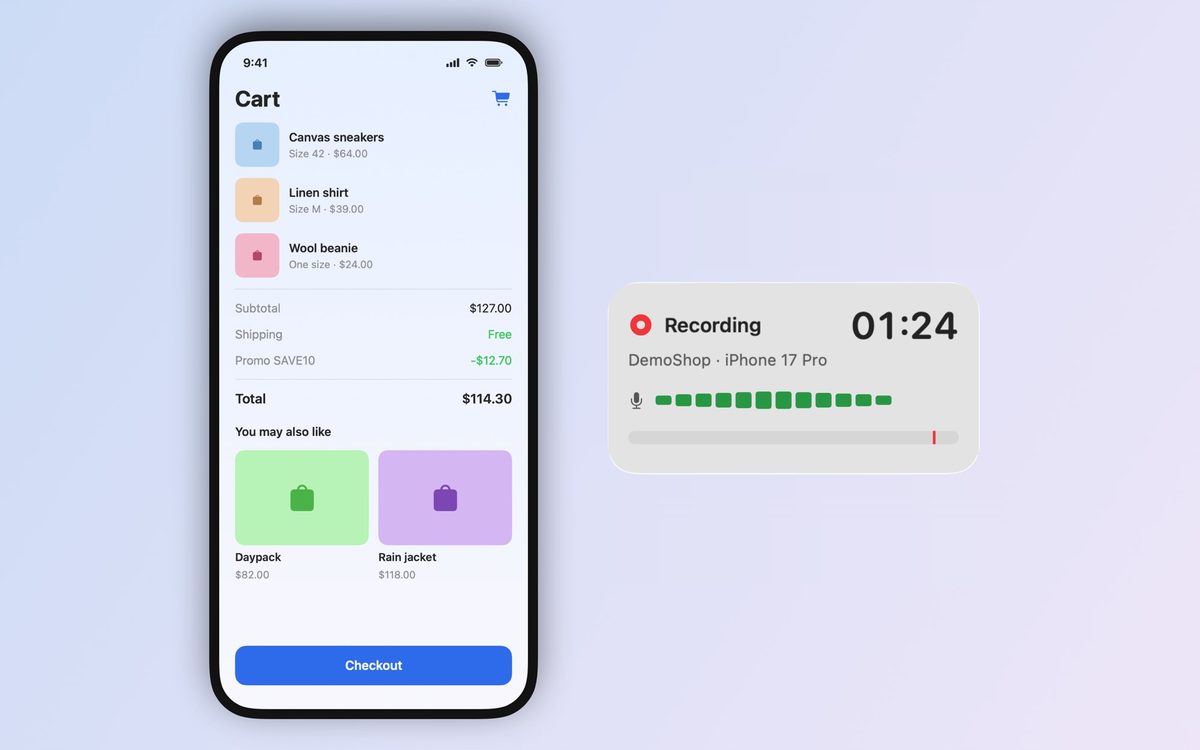
You do
Mark the bug with one key or your voice at the moment it shows. Keep testing.
LastBug records the iOS Simulator while you test by hand. Mark a bug with one key or your voice and get a ready report with video, steps and logs. Your AI tool takes it from there. Pro replays your taps on the fixed build so you can check the fix.
Needs an Apple silicon Mac with macOS 14 or later. No account. Nothing to install in your app.
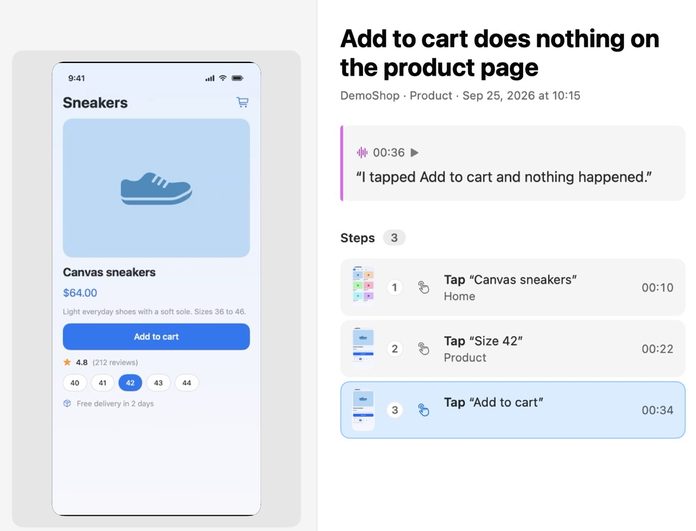
Mark it, send it, check the fix.
Mark the bug with one key or your voice at the moment it shows. Keep testing.
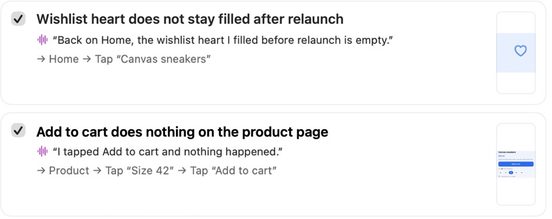
The bug arrives with the video, the steps and the logs attached.
1
One key or your voice, at the moment you see the bug.
2
Your AI tool picks the bug up from LastBug, on your Mac.
3
Pro replays your taps on the fixed build so you can check the fix. You approve every fix.
LastBug writes the report from your recording.
Can't reproduce it It happened once, and the path is gone.
The path is saved What you did before the bug stays on record.
Steps lost in chat “Profile, then settings, then the second tab, I think.”
Steps written for you Each bug comes with its steps. Nothing to write down.
“Works for me” The developer sees a different screen or state.
Video and logs attached Your developer sees what you saw.
“Fixed” with no check The tests pass, but nobody ran your steps.
A check on the fixed build Pro replays your taps so you can see the fix work.
LastBug has no account, no analytics and no network access.
Hit a limit and your recordings stay. You can still open them, export the report and delete them.
Two-week trial for new subscribers
Monthly or yearly
Renews until you cancel. Manage it in your App Store account settings.
Get Pro in the app
One payment, no subscription
Get Lifetime in the app
Prices are shown in the App Store. Terms of Use
A good report has the steps, the expected result, the actual result, the video and the logs. LastBug puts them together from your recording.
Record while you test, so the path to the bug is saved. With Pro, your taps can be replayed.
Yes. LastBug records the Simulator screen and your voice while you test, and saves the video with the bug.
No. Use the Debug build you already run.
AI tools that support MCP. LastBug has no AI of its own: you bring your AI coding tool, or use none.
No. Recordings stay on your Mac. A task leaves LastBug only when your own AI tool takes it.
Pro replays your taps on the fixed build so you can check the fix. You decide when the bug is done.
One project, up to 10 recordings, 10 tasks a month for your AI tool and 3 check results per recording. At a limit your recordings stay.
A Mac with Apple silicon, macOS 14 or later, Xcode 16 or later with an iOS 16 or later Simulator, and a Debug build of your app.
Needs an Apple silicon Mac with macOS 14 or later. No account. Nothing to install in your app.